Software Environment
- Board: LPA3588
- OS: Ubuntu 22.04
- Kernel: 6.1
Hardware Connection
Connect four 1080P cameras to the LPA3588 board via AHD1–AHD4 ports.
Getting started
How to build
1. Clone Source Code
Download the AVM source code to your LPA3588 device:
git clone http://git.neardi.com/app/linux/rockchip/avm
cd avm
2. Copy Resource Files
Copy required resources and libraries to system directories:
sudo cp -arf ./AppData_rk/ /userdata/
sudo mkdir -p /lib64 && sudo cp ./lib64/* /lib64/ && sudo cp ./lib64/* /usr/lib/
sudo mkdir -p /oem/usr/lib && sudo cp ./3rdparty/drm/lib64/libdrm.so /oem/usr/lib/
3. Install Dependencies
Install necessary build tools and libraries:
sudo apt update
sudo apt install -y cmake
4. Build the Project
Run the build script:
./build.sh
The output binary will be located at:
~/avm/install/rk_avm_test/rk_avm_test
5. Run AVM Demo
Execute the demo application:
cd ~/avm/install/rk_avm_test
./rk_avm_test
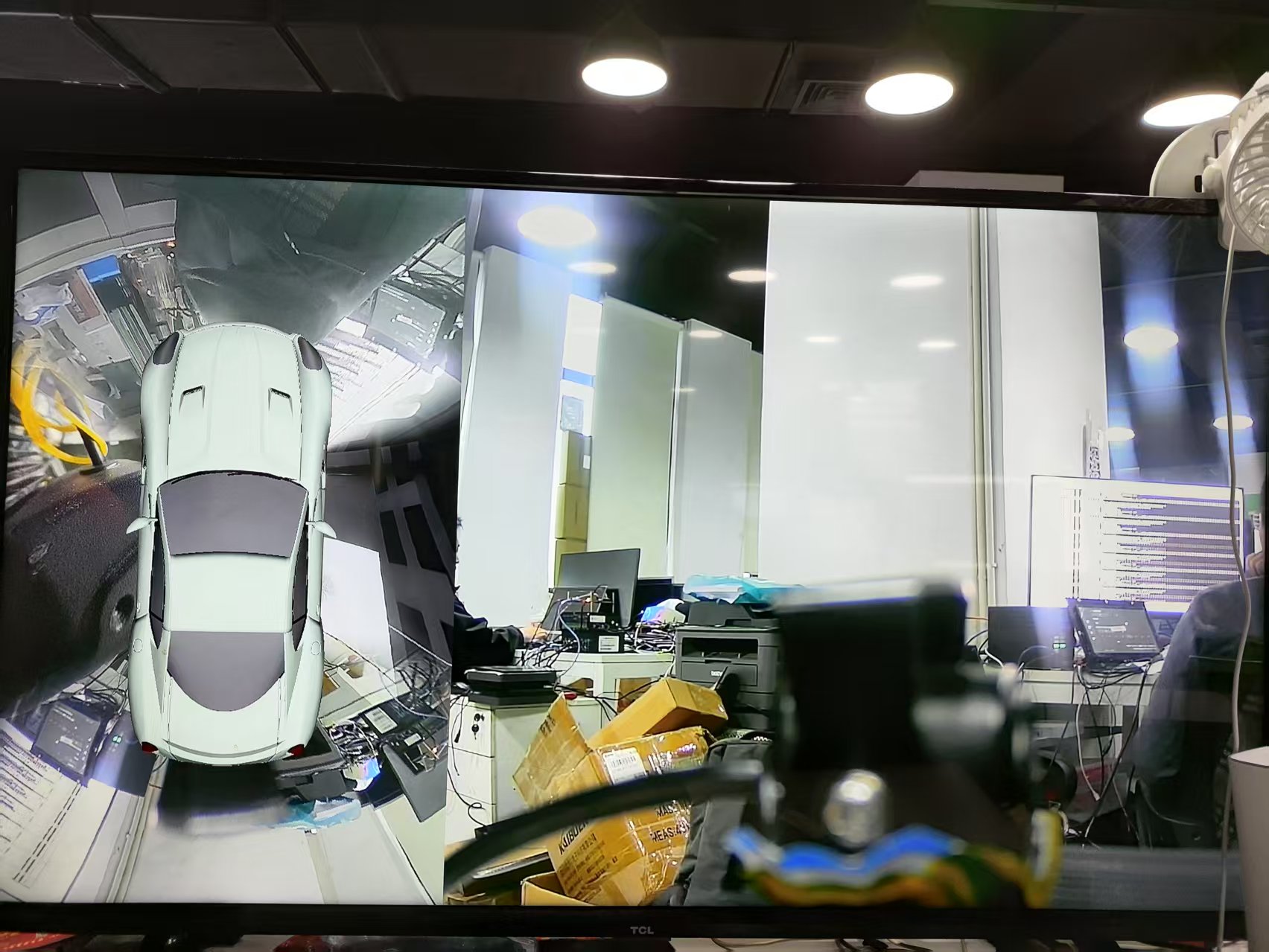
Result: