1. Install Required Tools
Ensure the system has basic tools needed to compile the kernel, such as gcc, make, bc, and libncurses-dev:
sudo apt-get update
sudo apt-get install build-essential libncurses-dev bison flex libssl-dev cpio rsync
2. Download and Extract Kernel Source
Make sure you’ve already obtained the kernel source for LPA3588 and copy it to the /home/neardi directory on the board:
scp -r your-sdk-dir/kernel neardi@192.168.x.x:/home/neardi
3. Configure the Kernel
Use the default configuration file for setup:
make ARCH=arm64 rockchip_linux_defconfig
4. Build Kernel Headers
Run the following command to generate .deb packages including kernel headers:
make ARCH=arm64 bindeb-pkg -j4
You should see an output like:
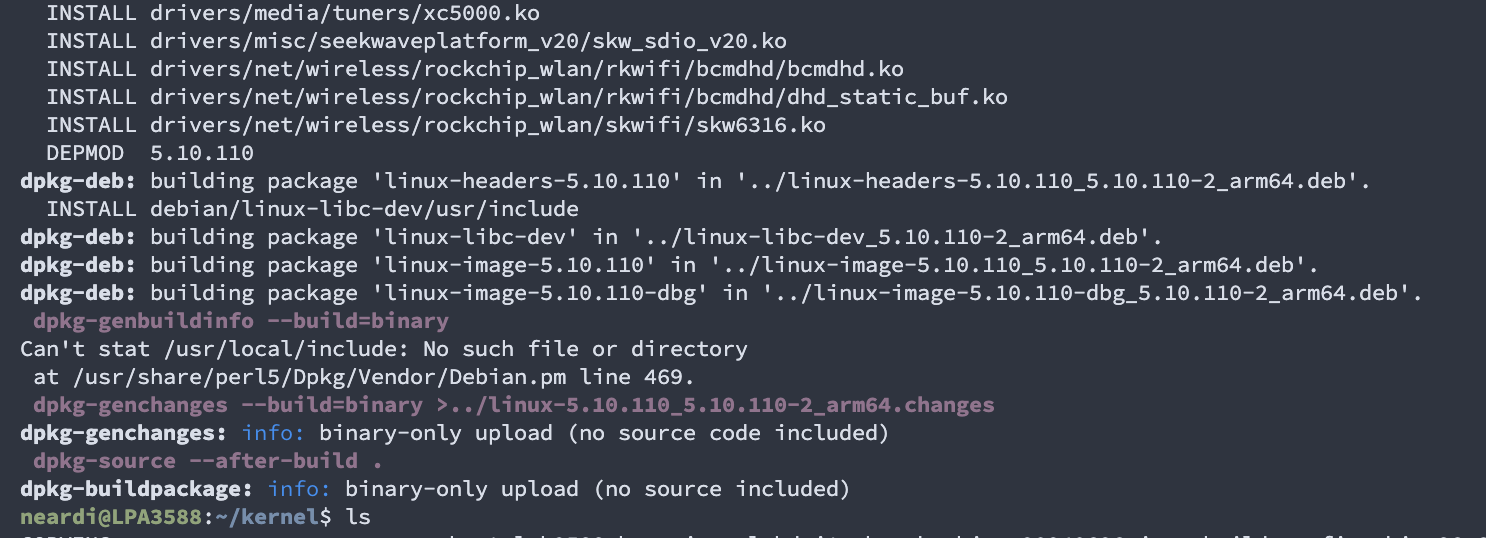
The generated header files are stored in:

5. Install Kernel Headers
Install the .deb package using dpkg:
sudo dpkg -i ../linux-headers-5.10.110_5.10.110-2_arm64.deb
Check all installed linux-header-related packages:
neardi@LPA3588:~/kernel$ dpkg -l | grep linux-headers
ii  linux-headers-5.10.110                   5.10.110-2                        arm64        Linux kernel headers for 5.10.110 on arm64
The linux-headers-5.10.110 is the newly compiled and installed package, usually located in the /usr/src/ directory on the board.